
5-Year Daily Planner for reMarkable 2 (2026–2030) + Free 2031

5-Year Daily Planner for reMarkable 2 (2026–2030) + Free 2031
★ 5 YEARS DAILY PLANNER + FREE 2031 ★
Plan ahead.
A 5-year daily planning system for reMarkable — covering 2026 to 2030.
Trusted by 20,000+ reMarkable users worldwide.
You’ll receive one dedicated planner for each year, all built on the same clean structure and layout. Familiar, fast, and distraction-free — year after year.
Designed to keep your focus on writing — not menus, tools, or UI noise.
Plus, 2031 is included at no extra cost, so you can get started right away.
★ WHAT'S INCLUDED ★
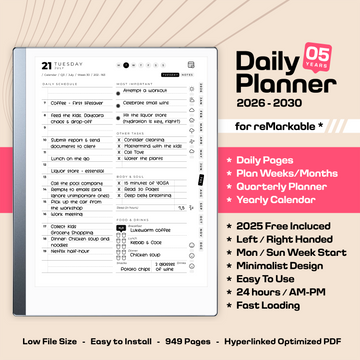
This purchase contains 6 separate PDF documents (one for each year). Each yearly planner includes a total of 949 fully hyperlinked pages, containing:
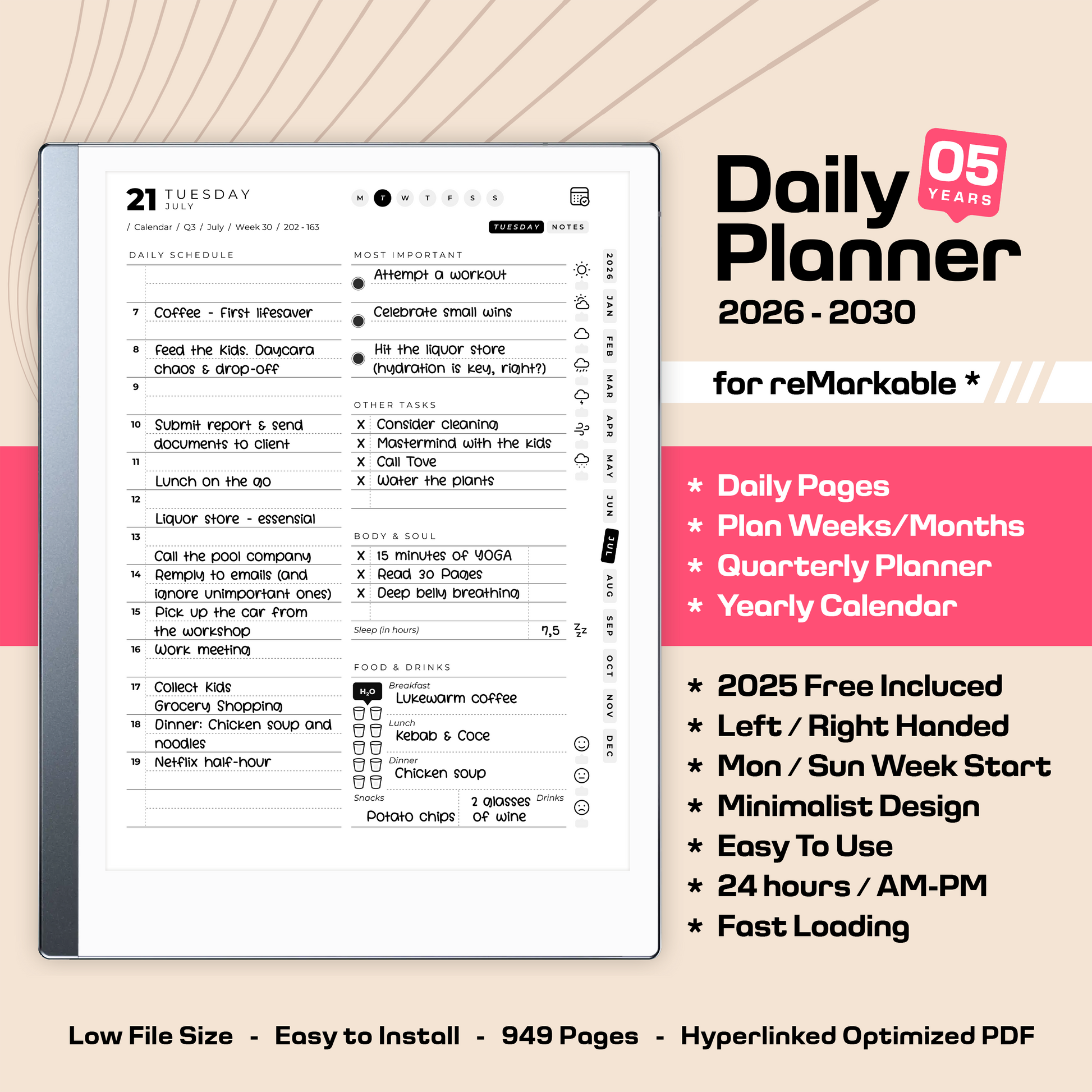
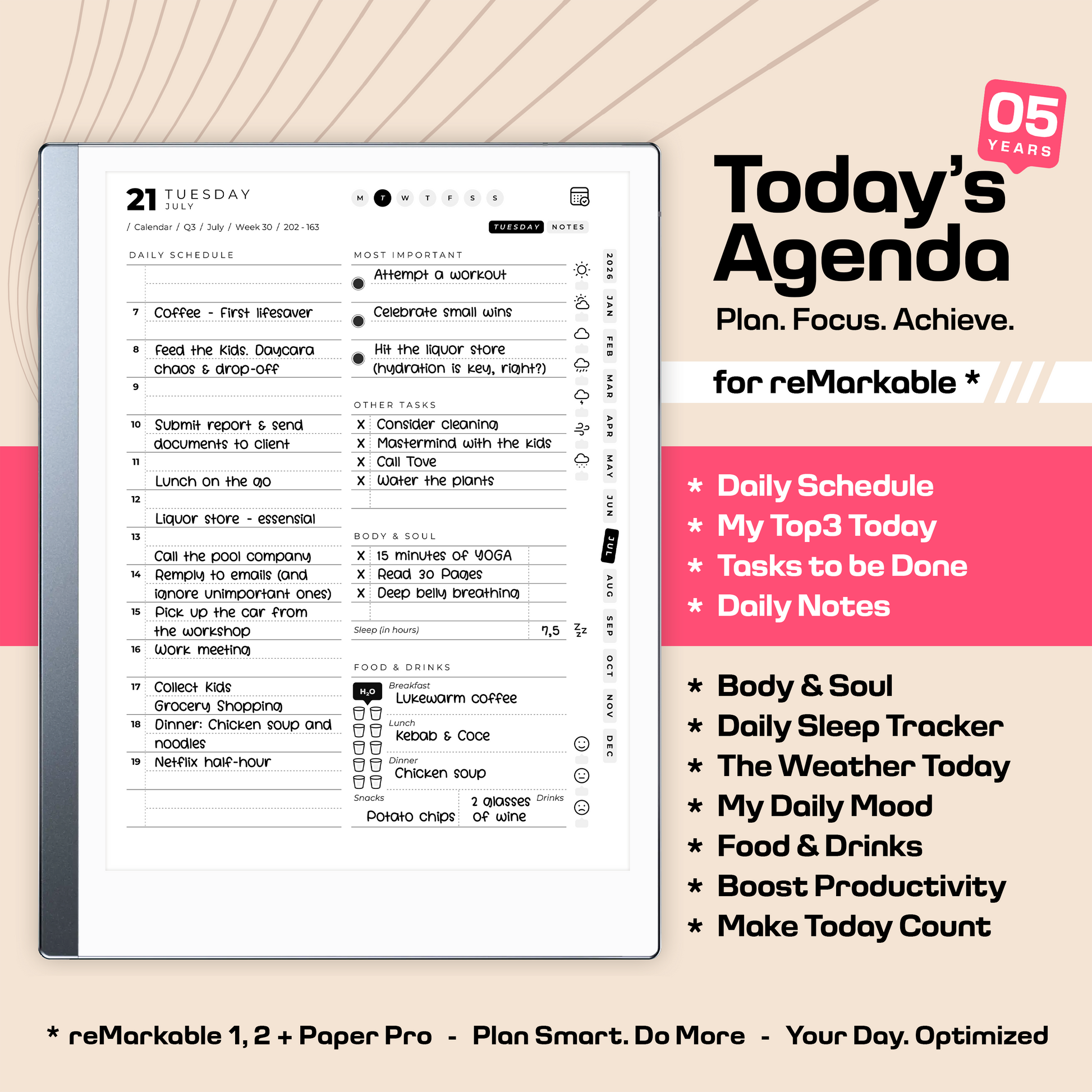
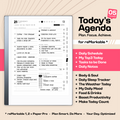
✔️ Daily Planner (365 pages)
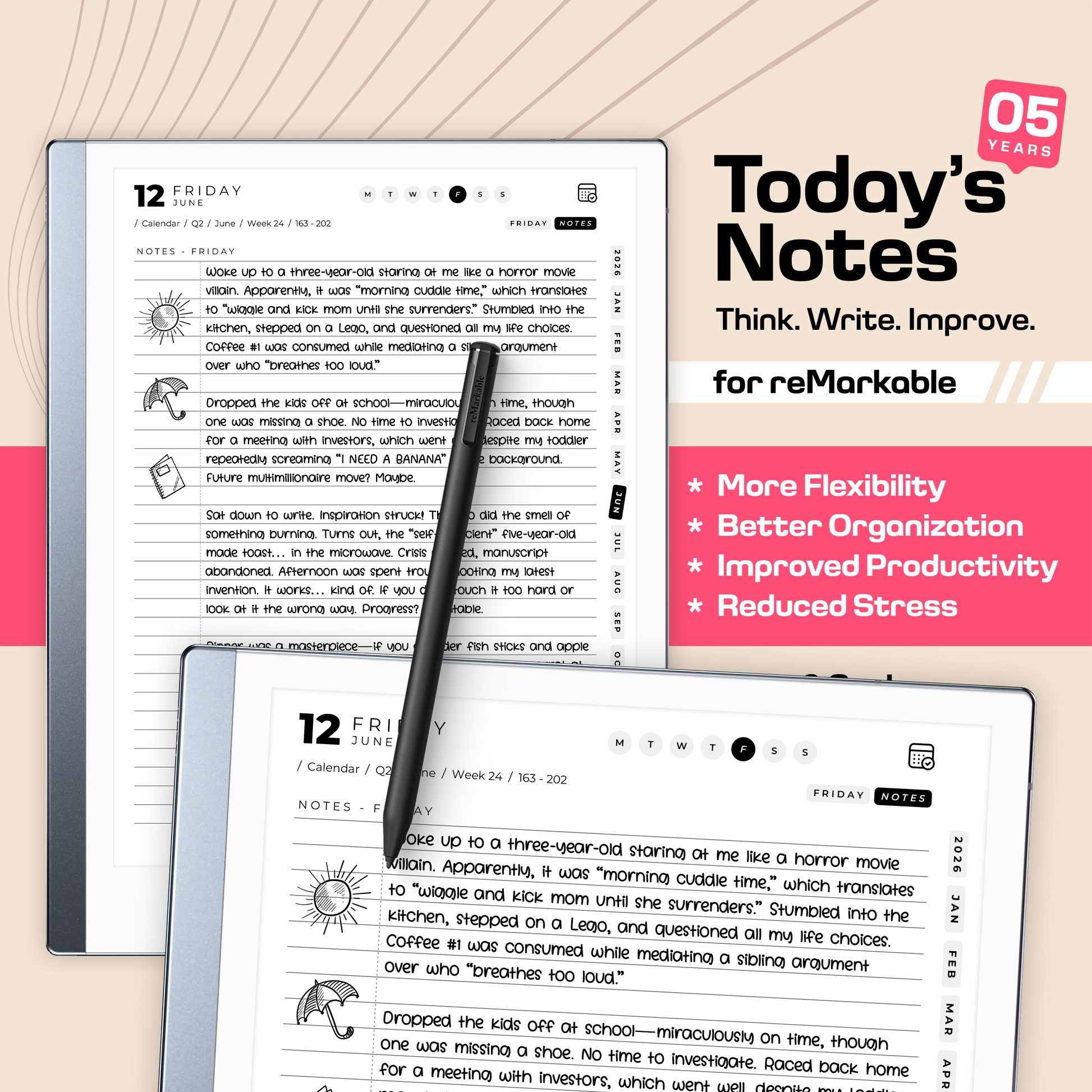
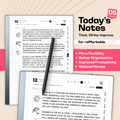
✔️ Daily Notes (365 pages)
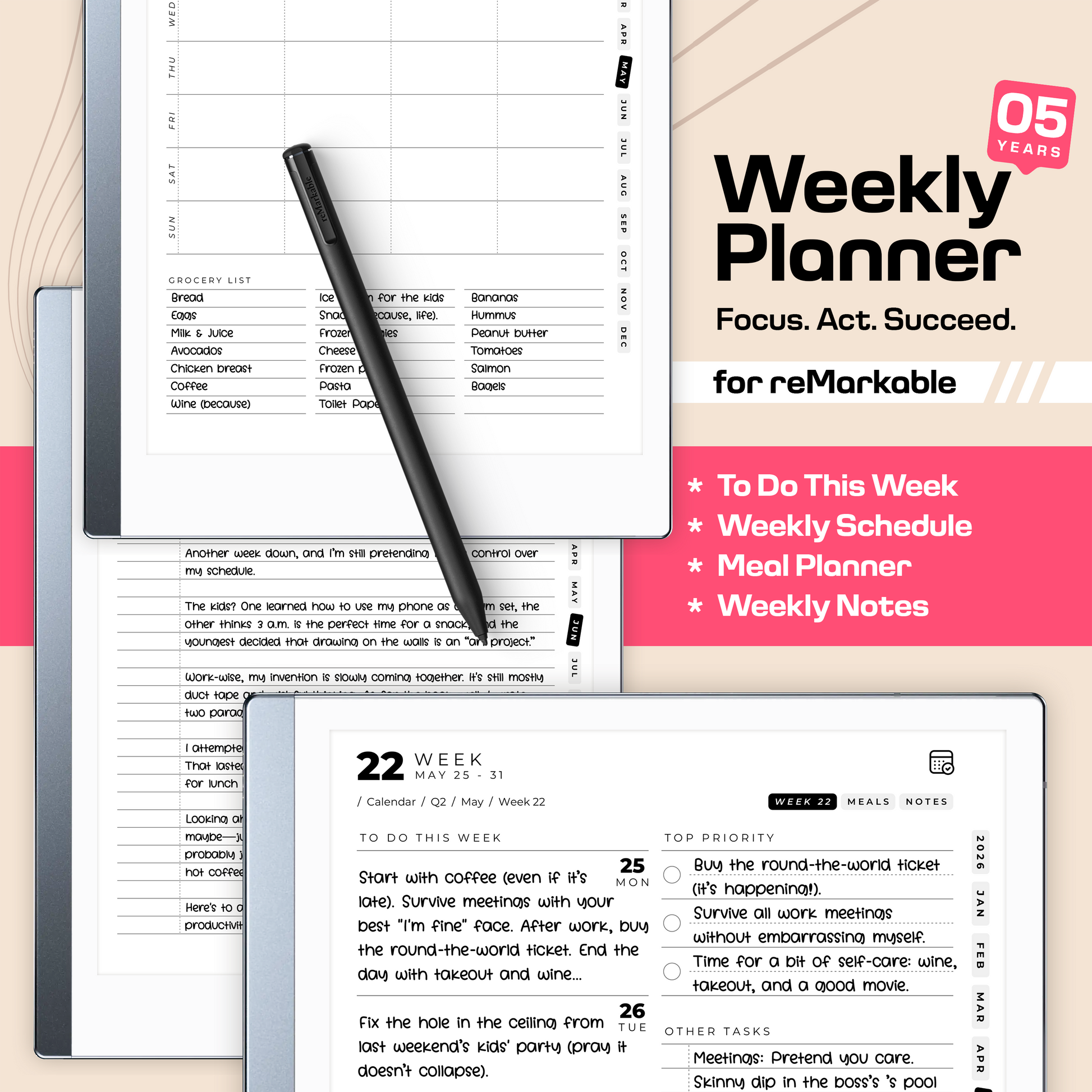
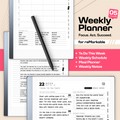
✔️ Weekly Planner (53 pages)
✔️ Weekly Notes (53 pages)
✔️ Weekly Meal Planner (53 pages)
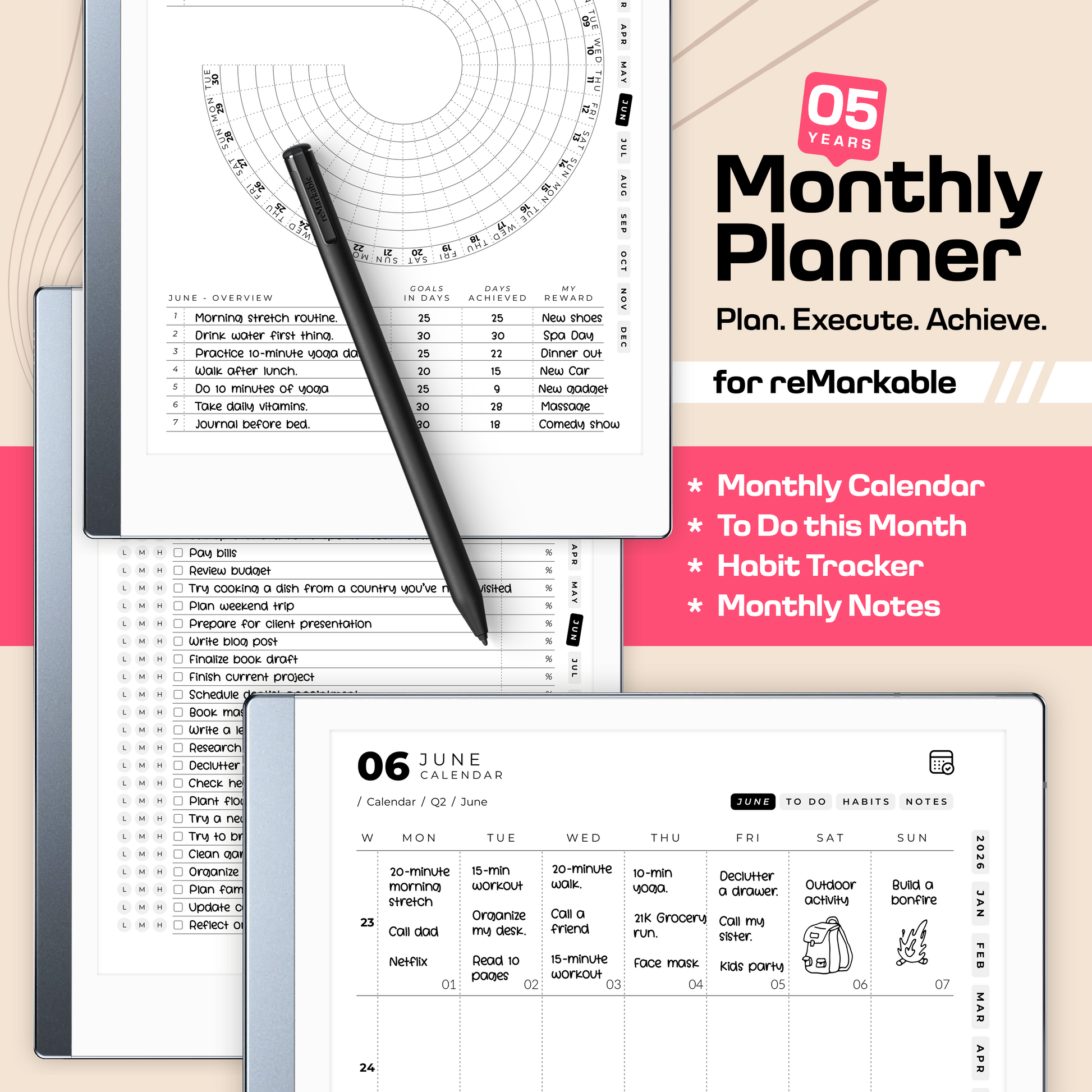
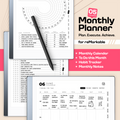
✔️ Monthly Calendar (12 pages)
✔️ Monthly TO-DO List (12 pages)
✔️ Monthly Habit Tracker (12 pages)
✔️ Monthly Notes (12 pages)
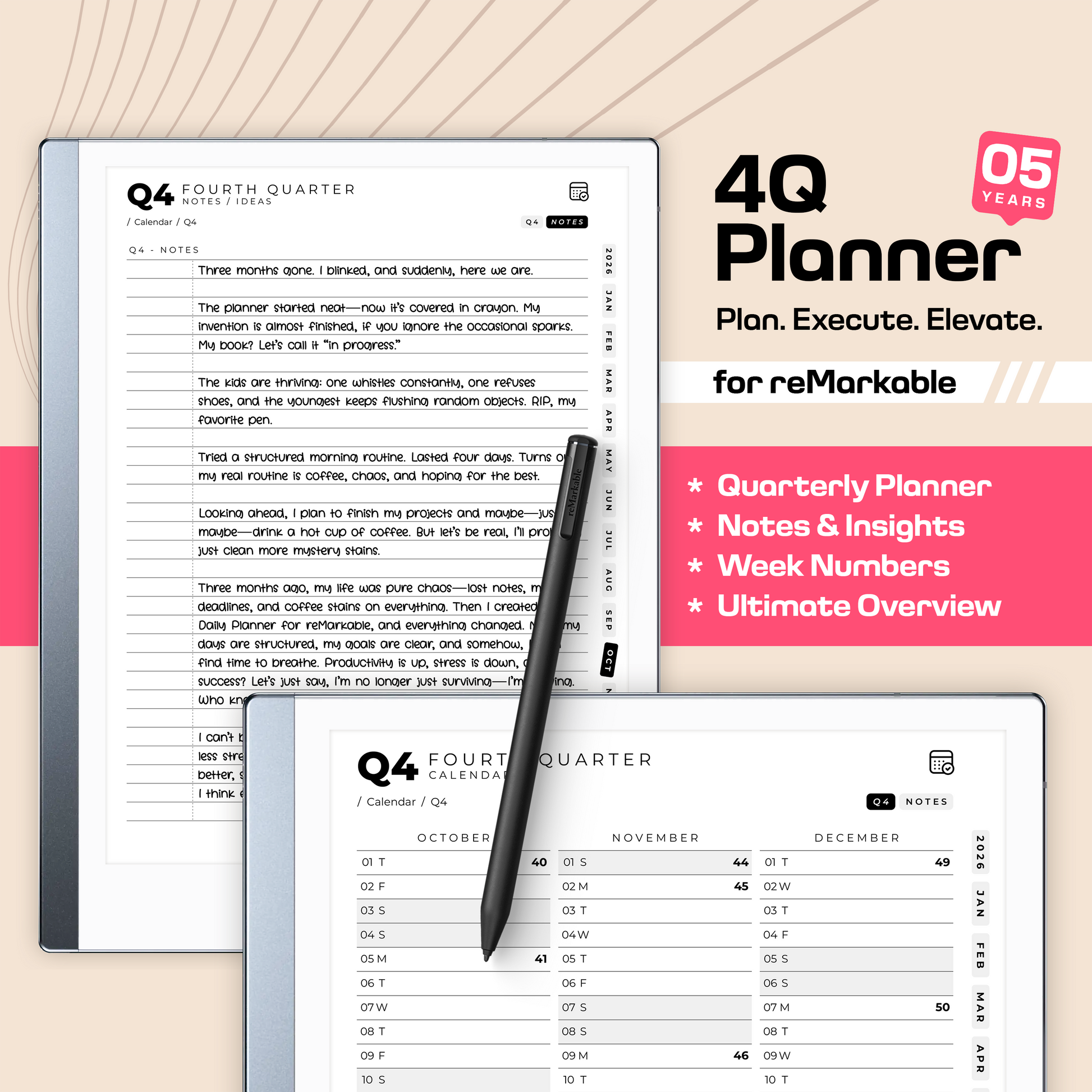
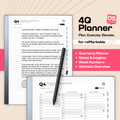
✔️ Quarterly Calendar (4 pages)
✔️ Quarterly Notes (4 pages)
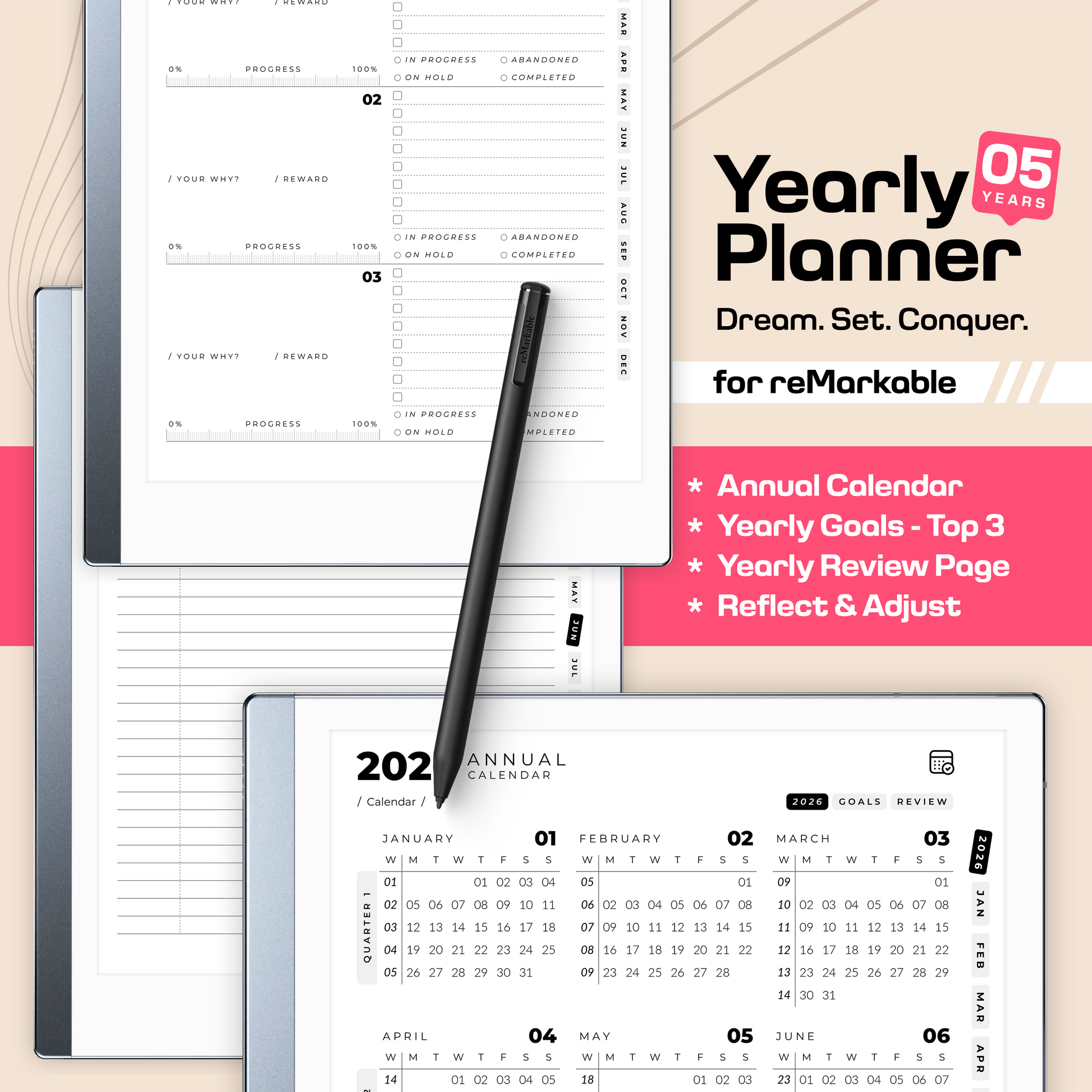
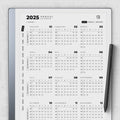
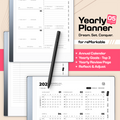
✔️ Yearly Calendar (1 page)
✔️ Yearly Goals (1 page)
✔️ Yearly Review (1 page)
✔️ Planner Cover Page (1 page)
Includes both Monday and Sunday week starts, plus left- and right-handed versions.
Built for people who prefer writing — and want one planner that simply lasts.
★ HOW TO IMPORT ★
Import directly via the official reMarkable app — just like any other PDF.
★ USABILITY AND DESIGN ★
Our planners are specially designed to fit exactly on the reMarkable tablets. All our templates are designed with the sidebar in mind. You can easily swap between tools without overlapping the main content.
✔️ Fully hyperlinked pages for intuitive navigation
✔️ Designed to fit the reMarkable screen precisely
✔️ Minimalist, distraction-free layout
★ CUSTOMIZATIONS ★
The following variants are all available without any extra cost:
✔️ Week Starts Monday / Week Starts Sunday
✔️ Right-Handed / Left-Handed
✔️ 24 Hours / AM-PM Schedule
For specific customization requests, we're here to assist you. Feel free to get in touch ahead of time to assess whether there may be any extra charges involved.
★ TEMPLATE LIMITATIONS ★
We want to inform you that our hyperlinked templates are currently available only in PDF format.
Note: reMarkable currently does not support:
▸ Handwriting conversion to text.
▸ Compatibility with the type folio.
▸ Moving pages or changing backgrounds
★ TERMS OF SERVICE ★
This is a digital product delivered instantly after purchase. For that reason, all sales are final.
If you have any questions before buying, feel free to reach out. If you experience any issues with your files or downloads, just contact us — we’ll help you sort it out quickly.
All files are licensed for personal use only and may not be resold, shared, modified, or used for commercial purposes.
Need help? Send a message and you’ll get a fast response.
★ DISCLAIMER ★
reMarkable® is a registered trademark of reMarkable AS. This product is an independent digital planner and is not affiliated with, endorsed by, or sponsored by reMarkable AS.
How do I activate the hyperlinks?
To activate the hyperlinks, lightly tap the screen with your finger, as using the pen won't work on the hyperlinks.
Do you have any discount codes available?
For sure! Unlock an extra 25% discount with code SAVE25. Add your favorites to the cart and be sure to enter the code during checkout.
Can my handwritten notes be converted into text?
At the moment reMarkable does not support conversion of handwritten notes in PDFs to text.
Can I resell these templates?
No, these digital files from DigitalPlanners.com are intended for personal use only. This means they cannot be altered or shared with others, even if not for commercial purposes. The digital artwork in these documents remains the intellectual property of DigitalPlanners.com.
Do you offer custom and personalized orders?
Suggestions and custom orders are always welcome! Feel free to send us a message to discuss your specific needs. We can take care of the details, including drawings, later on.
Can digital planners synchronize appointments across days, weeks, and months?
Digital planners cannot sync appointments across days, weeks, and months within the planner. As PDF files, they lack the capability to automatically transfer data between pages. However, digital planners offer advantages such as sustainability, quick and flexible navigation, and a search function for handwritten notes, serving as an alternative to traditional paper planners.
Can I print specific pages from the planner?
Absolutely! Feel free to print any page from our digital PDF planner to have a tangible copy. However, we do encourage embracing a paperless approach for a more sustainable and organized experience.